
Introduction
Creating videos used to be slow, expensive, and stressful. However, AI tools have completely changed the game. If you want to turn text into videos within minutes, Fliki.ai is one of the most talked-about tools right now.
In this detailed Fliki.ai Review + How to Use guide, you will learn what Fliki.ai does, how it works, its features, pricing, pros and cons, and whether it is worth using in 2026. Moreover, this guide is written in simple English for beginners and creators in the USA.
What Is Fliki.ai?
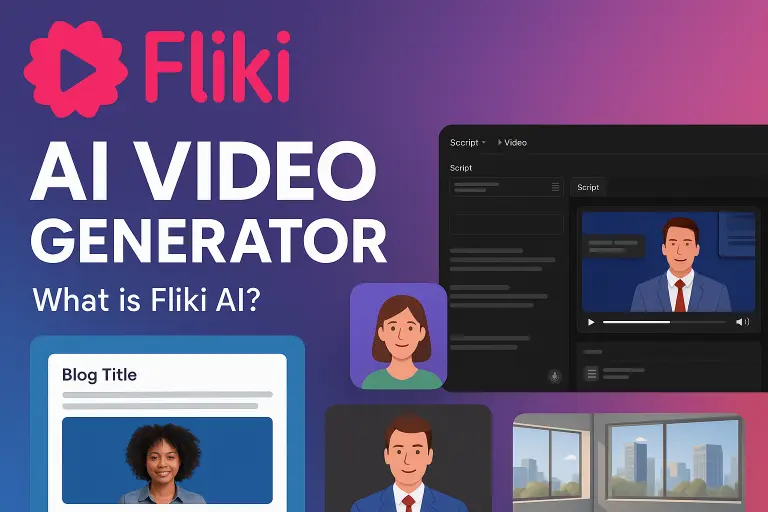
Fliki.ai is an AI-powered text-to-video and text-to-speech platform. It helps you create videos using written text without filming, editing, or recording your own voice.
In simple words, you write text → Fliki.ai converts it into a video with:
- AI voiceover
- Stock visuals or images
- Subtitles
- Music (optional)
As a result, you can create professional videos in just a few minutes.
Who Should Use Fliki.ai?
Fliki.ai is ideal for:
- Bloggers who want to convert articles into videos
- YouTubers creating faceless content
- Social media creators (Shorts, Reels, TikTok)
- Digital marketers and affiliate marketers
- Online educators and course creators
- Small businesses in the USA
If you want speed + simplicity, Fliki.ai fits perfectly.
Key Features of Fliki.ai
1. Text to Video Generator
Fliki allows you to paste any script or blog content and instantly turn it into a video. Therefore, you don’t need editing skills at all.
2. AI Voiceover (Human-Like Voices)
Fliki offers 2000+ AI voices in multiple accents and languages. Most voices sound natural, which helps build trust with viewers.
3. Blog to Video Conversion
You can paste a full blog URL, and Fliki will automatically generate video scenes from it. This is extremely useful for content repurposing.
4. Image + Video Library
Fliki provides access to stock images and video clips. However, you can also upload your own media if you want more control.
5. Automatic Subtitles
Subtitles are generated automatically, which improves engagement and accessibility.
6. Multiple Export Formats
Videos can be exported in MP4 format, making them ready for YouTube, Instagram, Facebook, and websites.
How to Use Fliki.ai (Step-by-Step Guide)
Now let’s see how to actually use Fliki.ai to create a video fast.
Step 1: Create a Free Account
Go to Fliki.ai and sign up using your email or Google account. Fortunately, no credit card is required for the free plan.
Step 2: Start a New Project
After logging in, click on “New File” and choose:
- Text to Video
- Blog to Video
- Image to Video
For beginners, Text to Video is the easiest option.
Step 3: Paste Your Script
Now paste your script or content into the editor. Keep sentences short for better voice clarity. Additionally, break text into small sections.
Step 4: Choose AI Voice
Select a voice from the library. You can preview voices before applying them. Choose an American accent for a USA audience.
Step 5: Add Visuals
Fliki automatically adds visuals. However, you can:
- Replace images
- Add your own media
- Adjust scene timing
Step 6: Preview the Video
Click preview and check voice timing, visuals, and subtitles. Make small adjustments if needed.
Step 7: Export and Download
Finally, export the video in HD quality. Now your video is ready to upload anywhere.
Fliki.ai Pricing Plans (Simple Overview)
Free Plan
- Limited minutes per month
- Watermark included
- Basic voices
Good for testing the platform.
Standard Plan
- HD videos
- No watermark
- More voices
- Commercial rights
Best for individual creators and affiliates.
Premium Plan
- Long videos
- Voice cloning
- Advanced features
Best for agencies and heavy users.
Pros and Cons of Fliki.ai
✅ Pros
- Very easy to use
- Saves time and money
- No camera or mic required
- Natural-sounding AI voices
- Great for faceless content
- Strong for recurring affiliate income
❌ Cons
- Limited advanced editing
- Credit system can feel confusing
- Some voices sound robotic (few)
However, for speed and simplicity, Fliki.ai performs very well.
Is Fliki.ai Good for Affiliate Marketing?
Yes, Fliki.ai is excellent for affiliate marketers, especially in the USA.
You can:
- Create review videos
- Make YouTube Shorts
- Create Pinterest Idea Pins
- Repurpose blog content
Moreover, Fliki.ai itself offers an affiliate program, making it a double-benefit tool.
Real Use Cases
- Convert Amazon affiliate reviews into videos
- Create educational explainers
- Build faceless YouTube channels
- Promote SaaS tools
- Create ads and promos
As a result, Fliki.ai works well across many niches.
Affiliate Disclaimer
This article may contain affiliate links. If you purchase through these links, I may earn a small commission at no extra cost to you. This helps support the website and allows me to create free, honest, and helpful content. I only recommend tools I truly believe are useful.
Final Verdict: Is Fliki.ai Worth It?
If you want to create videos fast without technical skills, Fliki.ai is definitely worth trying. While it is not a replacement for professional video editors, it is perfect for beginners, marketers, and content creators who value speed and ease.
Overall, Fliki.ai is a strong AI video tool for 2026 and a smart choice for consistent content creation.